

By hand
Narodny
12 August, 19:24 · Groceries
- Groceries949.00
TotalKGS 949.00
One line
The shop and the amount. A month later there is no telling what it was made up of.
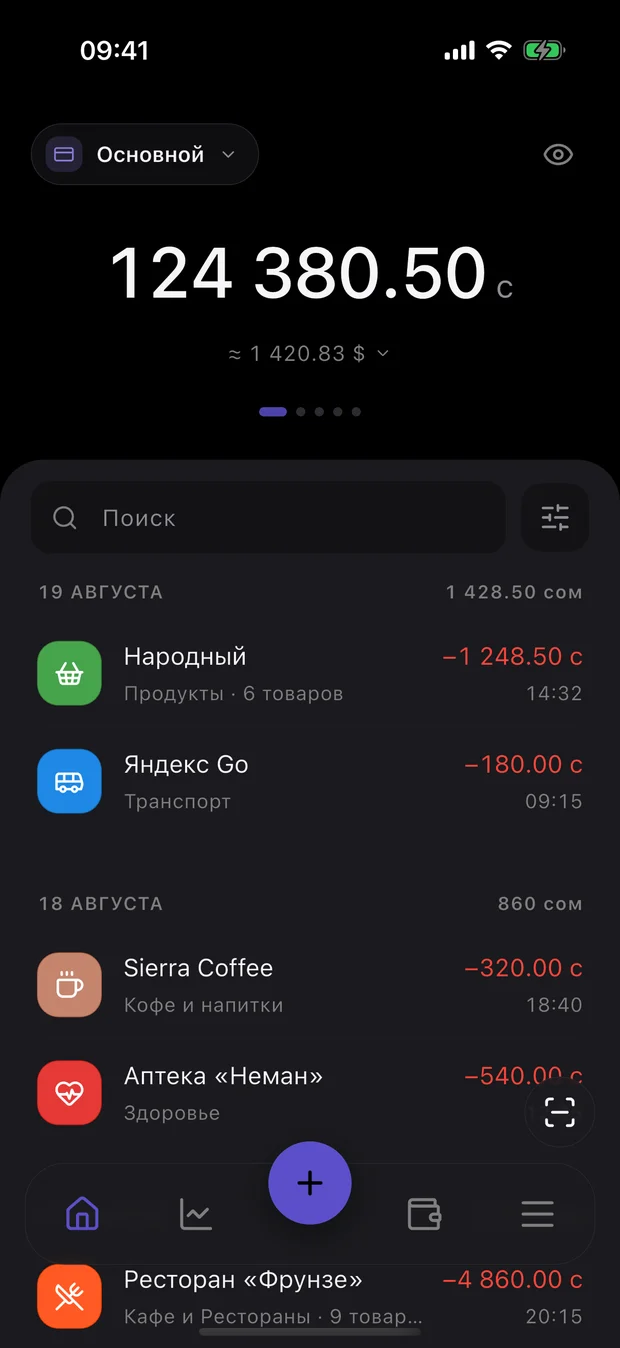
Point the camera at the QR code on the fiscal receipt — the shop, every line item and the totals land in the app in full. No QR? Photograph the receipt or add the expense by hand.

Receipt scanning, statistics and export — free.
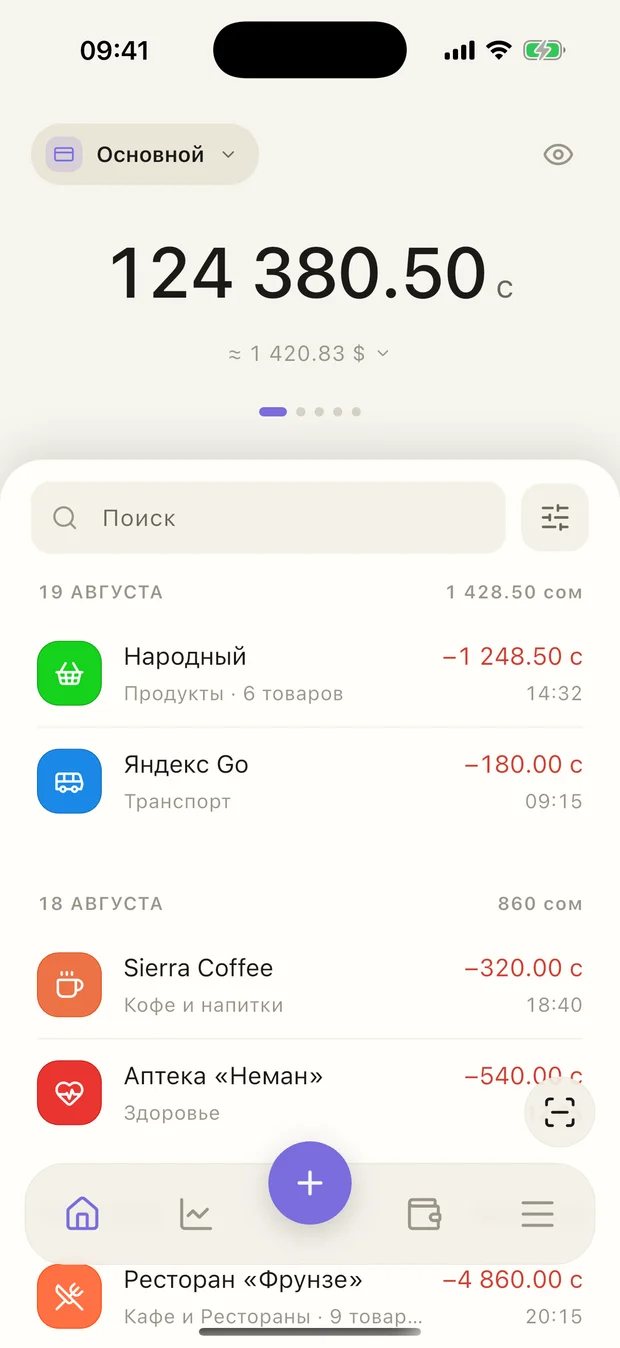
Typing it in by hand leaves a single line. Scanning the fiscal receipt carries the whole basket into the app.
By hand
Narodny
12 August, 19:24 · Groceries
The shop and the amount. A month later there is no telling what it was made up of.
From the receipt
Narodny
12 August, 19:24 · Groceries
Every line with its name, price and quantity — exactly as it was rung up at the till.
That is where per-item statistics come from, not just per-category: you can see what the money inside “groceries” actually went on.
How it works
By scan, by photo, or by hand.
Point the camera at the QR code on the fiscal receipt. No QR — photograph it or pick a shot from the gallery.
The category is filled in from the shop. Correct it and the app remembers the link, then offers it next time.
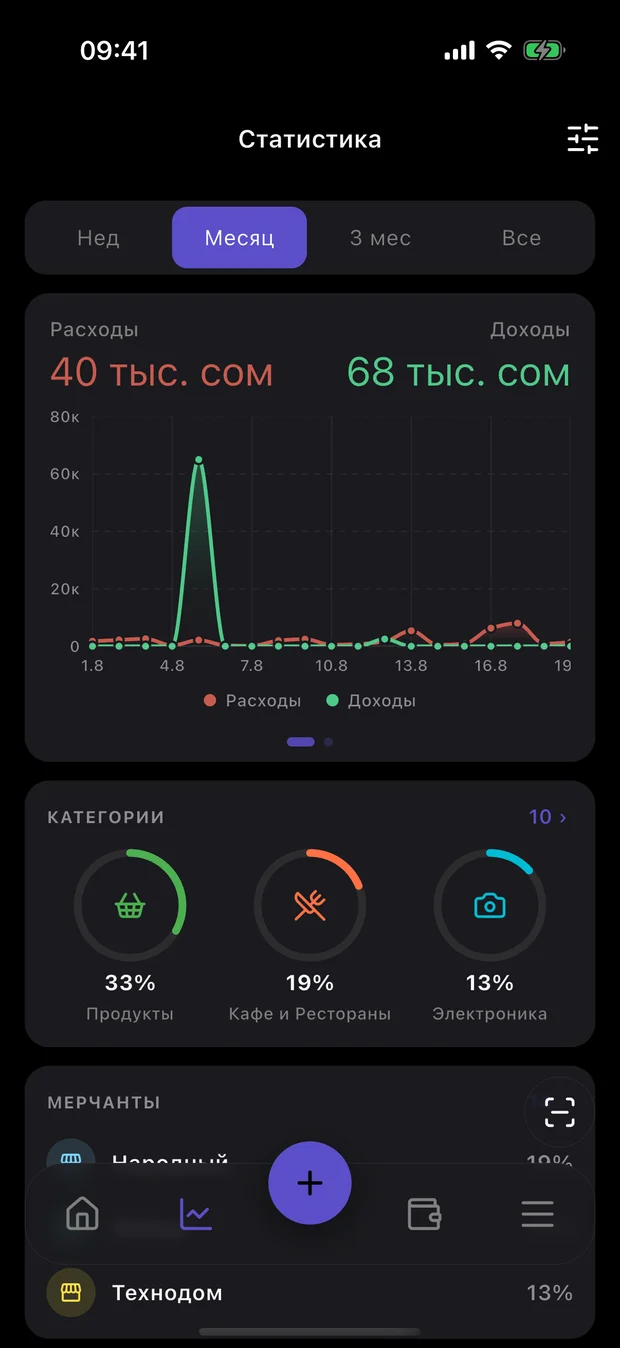
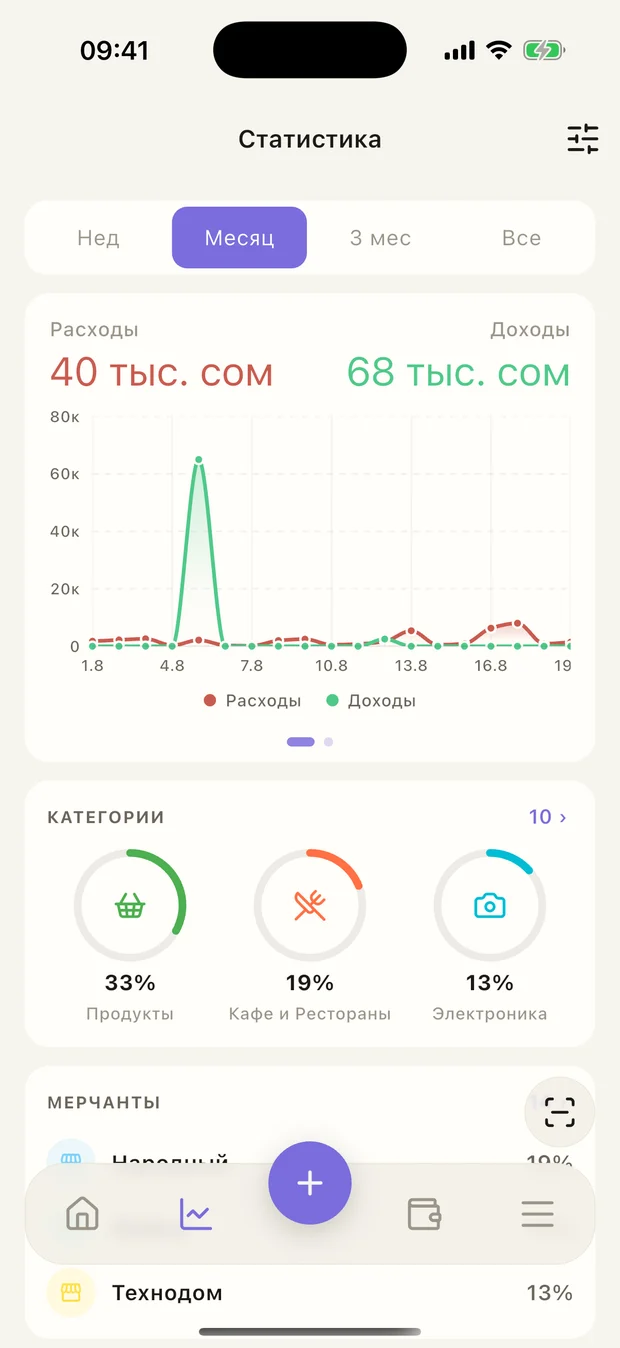
Charts and expenses by category for any period — the statistics build themselves.
Features
The scan is only the way in. After that the app sorts spending into categories, remembers the rent and the utility bill, and hands it all back as one file.
No QR, or a receipt from a café — take a photo or upload a shot from the gallery.
The app fills in the category from the shop. The list is yours to reshape — your own categories work right away.
Current rates and a conversion calculator. Accounts can be kept in different currencies.
For rent, utilities and other payments — we will notify you on time.
Export and restore your receipts in a single file. Receipt photos are not included.
Your data
Everything below is written into the privacy policy and the offer. These are terms of a contract, not promises on a landing page.
Transactions, receipt contents, categories and statistics sit in a database on the phone itself. A cloud copy appears only if you turn on sync yourself — and only you can access it.
Install it, open it, start scanning. You only need to sign in when two people need to see the same spending, or you want it on several devices.
Every receipt exports as a single file. The account, along with any shared budgets and the cloud copy, is deleted from inside the app — no emails to support.
Payments on this site go through Paddle: it issues the invoice, pays the taxes and refunds you if you change your mind. Your card statement shows its name, not KHANQ. On iPhone it is the App Store.
The KHANQ app and the Premium service are provided by Adilkhan Niiazov, an individual, Kyrgyz Republic.
Questions
If the answer you need isn’t here, write to us.
On your phone. Only two things go to the cloud: shared account operations, so members can see them, and your personal data if you turn on sync yourself (Premium). That copy is available only to you.
No. An account is needed for shared accounts and sync: members see shared operations through it, and your copy opens on another device.
Photograph the receipt or add the expense by hand. The basket will not be filled in that way: the line items only exist in the fiscal receipt.
Your records, categories and statistics are stored on the device and open without a connection. Scanning a receipt does need one: the basket is loaded from the fiscal data.
For free, through a backup: export and restore your receipts in a single file; receipt photos are not included. With Premium, through sync: sign in to the same account, turn it on, and your accounts, transactions and receipt photos download from the cloud.